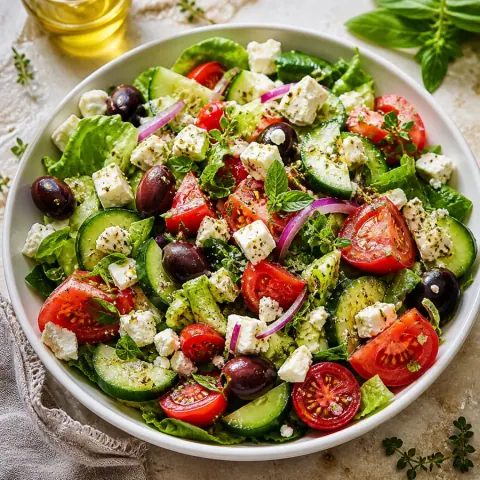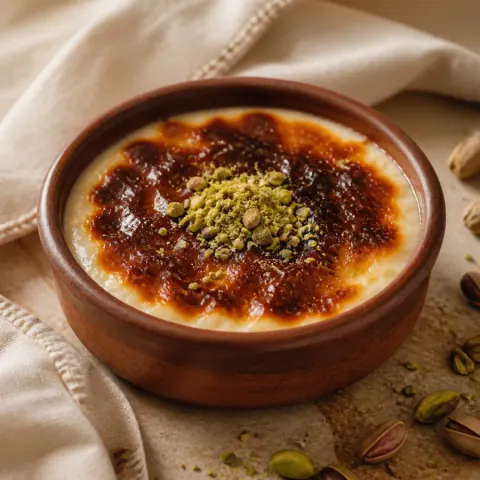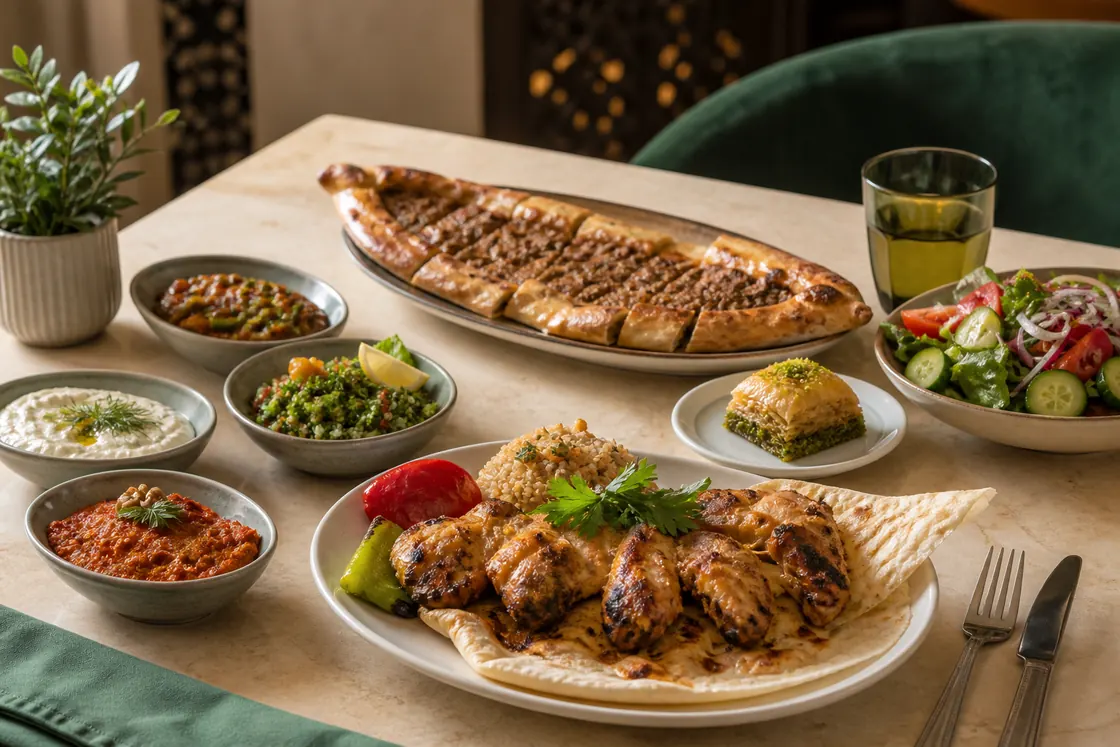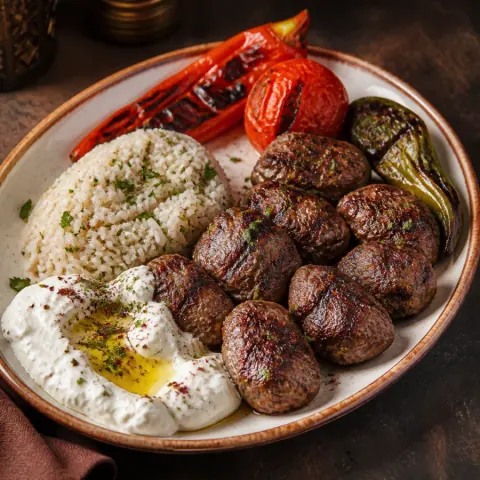
Chicken with Roasted Aubergine
TRY 285.00Smoky aubergine, herbed yoghurt and pomegranate molasses.
FOR THE PLACES PEOPLE LOVE
Build your digital menu, update products and prices, and share it with a QR code. Luca helps guests explore your published menu within your plan’s AI allowance.
No app to download. Just scan, explore and enjoy.
OrvunAI Founding 100
No credit card. No commitment. No automatic charge.
1 / 100 businesses joined99 spots remaining
Explore four different menus built with the same guest interface you can publish.
Organize coffees, cold drinks and desserts so guests can find today’s choices. Publish price updates through the same QR link.
Explore this demoUse starters, main courses, desserts and drinks to make a large menu easier to browse. Let guests search products and inspect descriptions before talking to your team.
Explore this demoGive guests a clear menu for each service area. Start with categories in one menu, or use separate published menus when your plan allows them.
Explore this demoShow daily pastries, cakes and drinks with a clear serving unit. Update availability as products sell out and publish price changes without replacing the QR.
Explore this demoOrvunAI Founding 100
Our first businesses help shape OrvunAI’s future. Founding members can share product feedback directly with our team.
No credit card. No commitment. No automatic charge.
1 / 100 businesses joined99 spots remaining
Registration does not reserve a spot. Verify your email, complete your business profile and publish a menu. The first 100 eligible active businesses receive 6 months of Pro, subject to capacity at publication.
LESS ADMIN. MORE HOSPITALITY.
Orvunai is a web-based digital menu platform for restaurants and cafés. Businesses create or import menus, review them and publish through QR links; Luca helps guests explore the published dishes.
Update a price, add a seasonal dish or mark an item sold out. Manage it all from the same workspace.
Keep your menu translations together. Guests choose their language, while you keep control of the words and prices.
Understand menu views, searches and favorites. Make decisions using the activity your guests actually leave.
YOUR PLACE, YOUR CHARACTER
Quiet and minimal, warm and classic, or a little more expressive. Compare real menu designs with the same sample dishes.
FROM YOUR KITCHEN TO THEIR PHONE
Add your dishes or import a PDF, image or text. Review every category, description and price before publishing.
Choose a design, add your logo and arrange the menu. Preview it exactly as your guests will see it.
Publish your menu, download your QR code and place it where guests can find it. The link stays with you.
MEET LUCA
Guests can describe their preferences or budget. Luca guides them through the available dishes and the information you have provided.
What can I have within my budget?
Tell me your budget and I can help you explore the available dishes and their prices.
Luca helps guests choose. It does not take payments or send orders to your till.
ROOM FOR EVERY KIND OF RESTAURANT
Compare current plans, choose your billing period and find the capacity your restaurant needs.
OrvunAI Founding 100
No credit card. No commitment. No automatic charge.
1 / 100 businesses joined99 spots remaining
The first 6 months are free if you qualify. Afterwards, the displayed Pro price applies only if you choose to purchase. Without a paid subscription, access returns to Free.
Publish a polished QR menu and start collecting insights.
$0.00per month
Everything an independent venue needs to run a professional digital menu.
$9.00per month
AI, advanced analytics and full brand control for growing hospitality businesses.
$19.00per month
14-day free trial
Get startedHigher limits, exports and team capacity for multi-location operations.
$39.00per month
Applicable taxes are shown at checkout. Changing plans does not delete your menus or dishes.
| ROOM FOR EVERY KIND OF RESTAURANT | Free | Starter | Pro | Growth |
|---|---|---|---|---|
| Published menus | 1 | 1 | 3 | 10 |
| Categories per menu | 6 | 15 | 40 | 100 |
| Items per menu | 30 | 150 | 500 | 1,000 |
| Team member | 1 | 2 | 5 | 15 |
| languages / menu | 1 | 2 | 4 | 8 |
| assistant messages / month | 100 | 1,000 | 5,000 | 20,000 |
| Monthly menu imports | 1 | 3 | 10 | 30 |
| Daily messages per guest | 20 | 50 | 100 | 200 |
| Images per item | 1 | 1 | 1 | 1 |
| days analytics | 7 | 30 | 90 | 365 |
| QR codes per menu | 1 | 3 | 10 | 50 |
| Image size (bytes) | 5,242,880 | 10,485,760 | 15,728,640 | 20,971,520 |
| Menu assistant | Included | Included | Included | Included |
| AI menu import | Included | Included | Included | Included |
| Custom branding | Not included | Included | Included | Included |
| Custom QR design | Not included | Included | Included | Included |
| Basic analytics | Included | Included | Included | Included |
| Advanced analytics | Not included | Not included | Included | Included |
| AI merchandising | Not included | Not included | Included | Included |
| Remove Orvunai branding | Not included | Not included | Included | Included |
| CSV export | Not included | Not included | Not included | Included |
Orvunai · Blog
Explore 64 practical guides to menus, design and operations.
QR menus · 4 min read
Learn what a QR menu is, how it differs from a PDF link, and how a restaurant can manage its content, publishing, printing and updates as one reliable workflow.
Menu design · 3 min read
Choose useful restaurant menu languages and review product names, descriptions, fallback content, currency and right-to-left layouts before publishing each localized menu.
Restaurant operations · 4 min read
Build an opening-shift routine for checking products, prices, availability and QR links, with clear responsibilities, a practical sequence and handover notes.
BEFORE YOU GET STARTED
No. Guests scan your QR code with their phone camera and open the menu in a browser. You can also share the link directly.
Your QR code keeps working when you publish changes to the same menu address. If you change the address or domain, check your printed codes separately.
You can prepare an import draft from a PDF, JPEG or PNG image, or pasted text. Review the categories, products and prices before publishing. An import is never automatically published.
Luca helps guests explore your published menu using recorded prices and their preferences. A conversation is not an order or a payment.
Select the content languages your plan supports and manage their translations. Guests can change the menu language. This does not change your currency or automatically convert prices.
Bring your menu to the table with Orvunai.