QR Menus for Restaurants
Digital menu management for restaurants
Use starters, main courses, desserts and drinks to make a large menu easier to browse. Let guests search products and inspect descriptions before talking to your team.
Menu and language allowances follow your plan. Check the current catalog before preparing separate menus.
Current Free plan$0.00 per month
No card required to register
- Active menus: 1
- Items per menu: 30
- Menu languages: 1
- Luca messages per month: 100
- Menu imports per month: 1
- QR codes per menu: 1
- Analytics history: 7 days
- Luca menu assistant:
- Included
- AI menu import:
- Included
- Basic analytics:
- Included
- Advanced analytics:
- Not included
- Remove Orvunai branding:
- Not included
Prices and limits come from the current plan catalog.
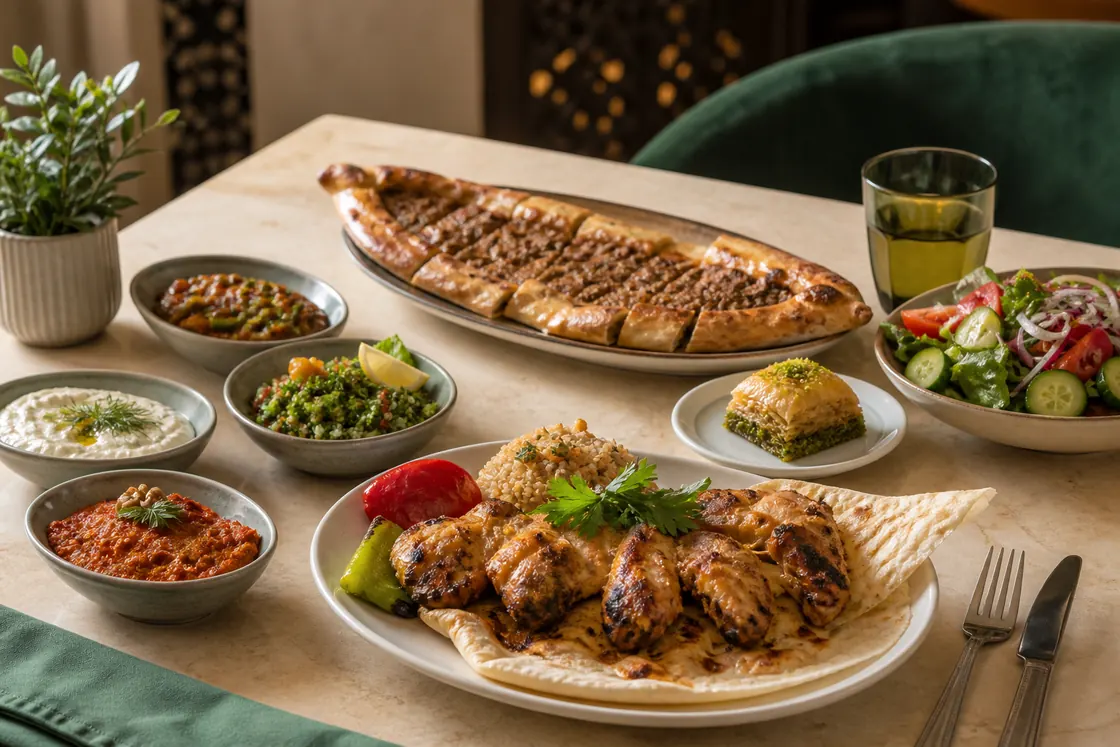
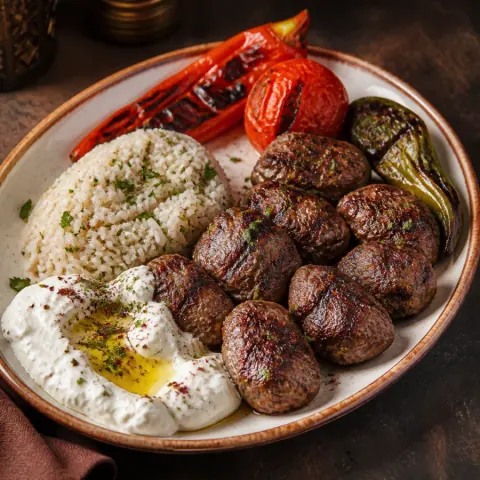
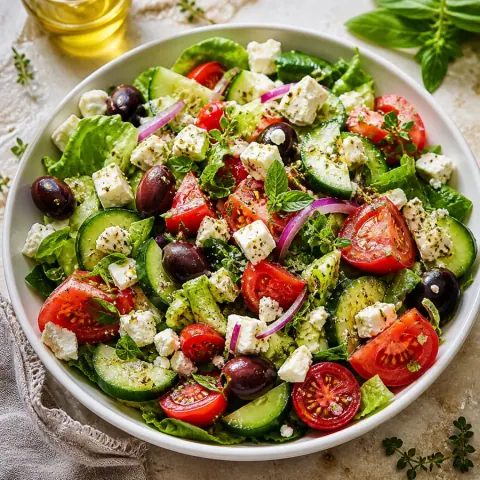
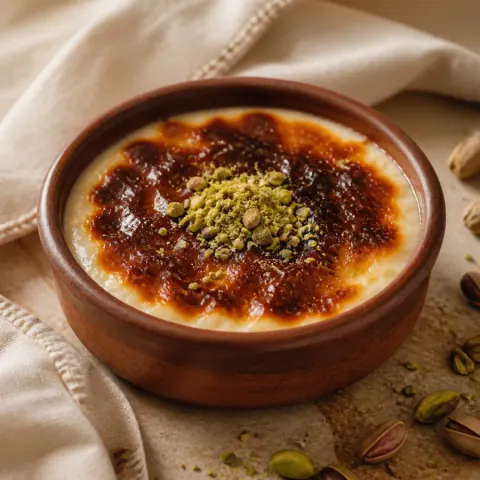
Build the menu around the way your restaurant serves
Starters, mains, drinks and desserts are examples rather than a required structure. Arrange categories and dishes to match your own kitchen. On a longer menu, guests can move between categories, search and open individual details. The result presents readable text and product cards instead of one large image that needs to be pinched and zoomed on a phone.
When you operate more than one menu, you can prepare separate content within your plan’s active-menu allowance and track its link and publication state from the workspace. Your restaurant remains responsible for keeping names, descriptions and prices current. Publishing only verified product facts is more useful than filling uncertain recipe fields or promising a capability that is not part of the service.
Separate editing, preview and publication
A change in the editor begins as working content. Review its price, currency, description and photograph before publishing a new version. Opening the real guest link after publication is a stronger final check than looking only at the editor because it shows what a visitor can actually see.
During service, the availability workspace helps you manage sold-out items without deleting their product records. Orvunai’s QR menu workflow is not an ordering or payment system: it presents the digital menu and supports product discovery. Your restaurant continues to use its own process for taking orders and payments.
- Review draft changes before publishing.
- Confirm current prices and currency through the guest link.
- Manage sold-out visibility during service.
- Do not present the QR menu as a POS or payment system.
Help guests find a suitable dish
The mobile menu combines category browsing, product search, product details and favorites to make a large selection easier to navigate. When Luca is enabled, the AI menu assistant connects a guest’s budget or preference question only with published, visible and available items. Prices and product facts come from the restaurant’s menu record.
Allergies and medical dietary needs require a separate safety decision. A blank allergen field is not proof that a dish is safe. The assistant does not infer unknown information and directs the guest to restaurant staff. Recipes, cross-contact conditions and preparation methods must always be confirmed by the business.
Manage brand presentation and menu languages together
A logo, cover image, brand color and 15 menu themes shape the restaurant’s digital presentation. Changing the theme does not require re-entering product data. Preview the result on a phone with your longest dish names, varied photo proportions and actual prices.
Enable additional languages according to real guest demand. Your business edits menu, category and product translations; missing fields may fall back to the default language. Choosing another language does not convert prices into another currency. Check content consistency separately in every language you publish.
Bars and pubs
Separate drinks by category and state serving volume in the name or description. Publish price changes and verify them on the guest link. There is no automatic happy-hour pricing, tab management or POS ordering in this menu experience.
Breakfast and brunch
List a breakfast set and individually priced extras as separate products, with the included items in the description. Confirm the portion basis before publishing. The menu does not automatically calculate a group’s bill from the number of guests.
A few useful answers
Frequently asked questions
Does changing a restaurant menu price change the QR code?
Not when you keep the persistent Orvunai menu link. Edit and publish the price, then verify the new value through the guest link.
Does Orvunai take restaurant orders or payments?
No. The experience described here provides a digital menu and product discovery. Orders and payments stay in the restaurant’s existing service workflow.
Can one restaurant prepare more than one menu?
You can create multiple menus within the active-menu limit of your plan. Current menu and language limits come from the public pricing catalog.
Can the menu be offered in several languages?
Yes. Within plan limits, choose additional languages and edit menu, category and product translations. Language selection does not automatically change currency.
Explore the topic
Related practical guides
The next step for your menu
QR code menus for restaurants and cafés
Create a mobile digital menu with Orvunai, organize your dishes and share a lasting QR link. Explore menu design, publishing, updates and guest browsing.
AI restaurant menu and Luca AI waiter
Luca helps guests find available dishes in your published menu using their budget, preferences and recorded product facts. Explore the AI waiter’s uses and limits.
Multilingual digital menus for restaurants
Edit menu, category and product translations in Orvunai and let guests choose a language. Learn how restaurant content, fallback language and currency work.
Make the next menu yours.
Start with your own products. See it through your guest’s eyes.